
 EN
EN



Unleashing the Power of Visual Organization
In today's fast-paced world, organizing thoughts and ideas effectively has become more crucial than ever. A whiteboard stands as a powerful yet often underutilized tool that can transform how we process information, plan projects, and collaborate with others. This versatile canvas offers a dynamic space where ideas can flow freely, connections can be drawn instantly, and complex concepts can be simplified into clear visual representations.
The simple act of writing or drawing on a whiteboard engages multiple senses, creating a more memorable and impactful experience than typing notes on a computer or jotting them down in a notebook. As we explore the numerous benefits and applications of whiteboard usage, you'll discover how this traditional tool remains remarkably relevant in our digital age.
The Science Behind Visual Organization
How Our Brains Process Visual Information
The human brain processes visual information 60,000 times faster than text, making a whiteboard an ideal medium for organizing thoughts and ideas. When we see information displayed visually on a whiteboard, our cognitive processes engage more fully, allowing us to grasp concepts more quickly and retain them for longer periods. This visual processing advantage explains why whiteboard sessions often lead to better understanding and more creative solutions.
Research has shown that combining visual and kinesthetic learning through whiteboard use activates multiple areas of the brain simultaneously. This multi-sensory engagement creates stronger neural connections, enhancing both comprehension and memory retention.
The Role of Spatial Relationships in Learning
A whiteboard provides unlimited possibilities for arranging information spatially, which helps our brains create meaningful connections between different concepts. The ability to draw arrows, create mind maps, and group related ideas together taps into our natural spatial memory capabilities. This spatial organization makes it easier to understand complex relationships and hierarchies within information.
When using a whiteboard, we can easily adjust and rearrange information as our understanding evolves, making it an ideal tool for both structured planning and creative brainstorming sessions.
Practical Applications in Different Settings
Professional Environment Implementation
In professional settings, a whiteboard serves as an invaluable tool for team meetings, project planning, and problem-solving sessions. Teams can use whiteboards to create project timelines, assign responsibilities, and track progress visually. The collaborative nature of whiteboard work encourages participation and helps ensure all team members are aligned with project goals and objectives.
Many successful companies incorporate whiteboard sessions into their daily operations, using them for everything from strategic planning to creative brainstorming. The immediate visibility and flexibility of whiteboard content make it easier to facilitate productive discussions and reach consensus on complex issues.
Educational Benefits and Applications
In educational environments, whiteboards provide teachers and students with a dynamic learning tool. Educators can use whiteboards to illustrate concepts in real-time, making abstract ideas more concrete and understandable. Students benefit from the interactive nature of whiteboard learning, as it allows them to participate actively in the learning process.
The versatility of a whiteboard enables teachers to quickly adapt their teaching methods to accommodate different learning styles. Visual learners can see concepts mapped out, while kinesthetic learners can engage directly with the content by writing or drawing on the board.
Maximizing Whiteboard Effectiveness
Organization Techniques and Best Practices
To get the most out of your whiteboard, implementing effective organization techniques is essential. Start by dividing the board into clear sections for different types of information or stages of your project. Use color coding to highlight different categories or priorities, but limit yourself to 3-4 colors to avoid visual confusion.
Consider using standard symbols and icons consistently across your whiteboard sessions to create a visual language that becomes familiar to all participants. This consistency helps in quicker recognition and processing of information during future sessions.
Tools and Accessories for Enhanced Usage
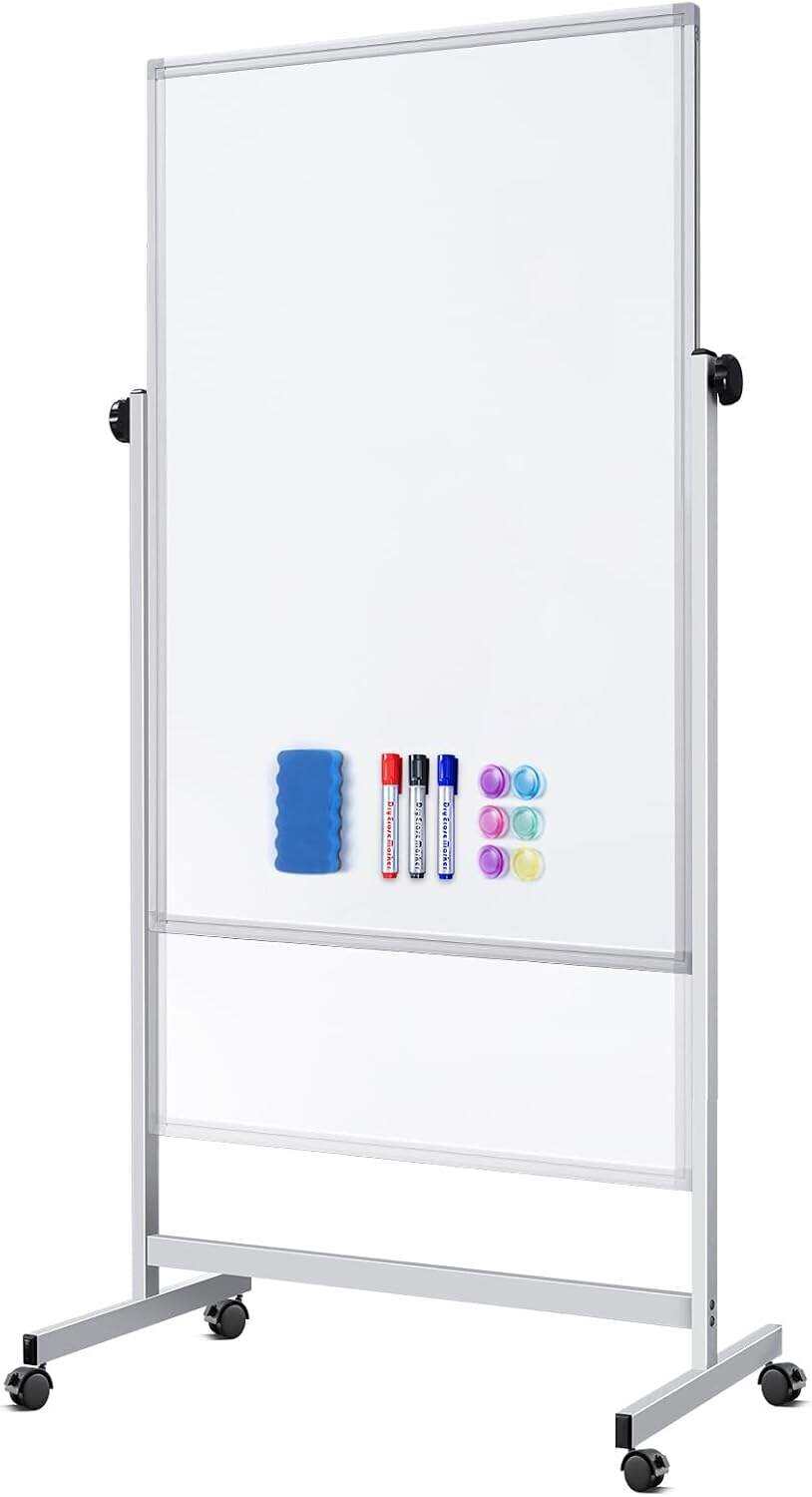
The right tools can significantly improve your whiteboard experience. High-quality markers in various colors, good erasers, and cleaning supplies are essential basics. Consider investing in magnetic accessories for attaching documents or notes, and ruler guides for creating clean lines and organized sections.
Modern whiteboard accessories might also include specialized holders for markers and erasers, grid tape for creating temporary lines, and various shapes and templates for consistent diagram creation.

Digital Integration and Modern Adaptations
Bridging Physical and Digital Workspaces
While traditional whiteboards remain valuable, many organizations now combine them with digital solutions. Smart whiteboards and digital capture systems allow teams to preserve and share whiteboard content electronically, making it accessible for remote team members and future reference.
Digital whiteboard apps and collaborative platforms have emerged to replicate the flexibility and spontaneity of physical whiteboards in virtual environments. These tools maintain the benefits of visual organization while adding features like version control, cloud storage, and real-time collaboration.
Future Trends in Visual Organization
The future of whiteboard technology continues to evolve with augmented reality (AR) and artificial intelligence (AI) integration. These advances promise to enhance the traditional whiteboard experience with features like automatic digitization, smart organization suggestions, and seamless integration with project management tools.
As workplaces become increasingly hybrid, the combination of physical and digital whiteboard solutions will likely become more sophisticated, offering new ways to capture, organize, and share ideas across distributed teams.
Frequently Asked Questions
What size whiteboard is best for organizing ideas?
The ideal whiteboard size depends on your specific needs and available space. For personal use, a medium-sized board (3x4 feet) usually suffices. For team collaboration or larger projects, consider a larger board (4x6 feet or bigger) to accommodate multiple people and more complex information organization.
How can I maintain my whiteboard to ensure long-term use?
Regular cleaning with proper whiteboard cleaner, using high-quality markers, and avoiding permanent markers are essential for maintenance. Clean the board thoroughly at least weekly, and avoid leaving content on the board for extended periods to prevent ghosting.
What are the best practices for organizing complex information on a whiteboard?
Start with a clear structure, use consistent color coding, and maintain adequate white space. Group related information together, use arrows or lines to show relationships, and create a clear hierarchy of information. Consider taking photos of important layouts before erasing to maintain a record of your organization system.